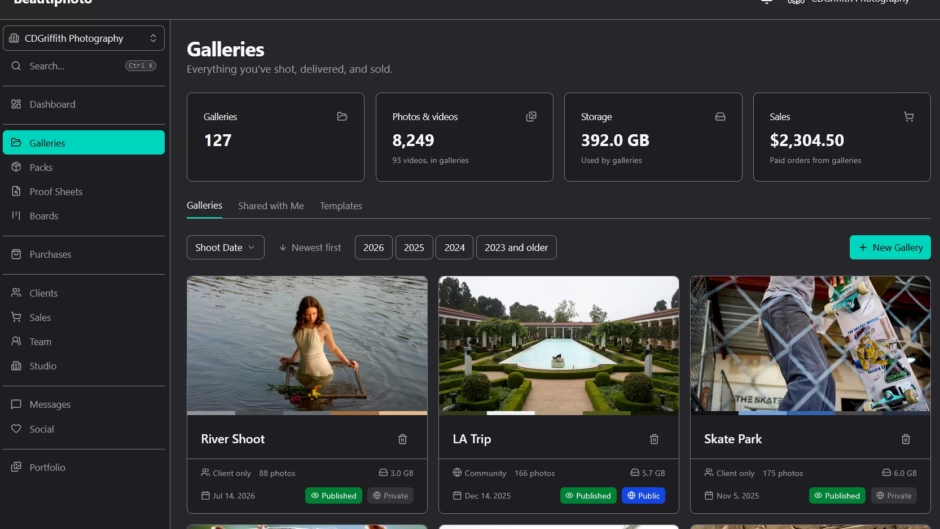
I’ve been writing software for nearly two decades now, and have been doing photographer for the second half of that. In that time I have had to use a dozen different websites to manage everything I do for photography, from portfolio and galleries to idea boards, or even clogging up google photos or drive for backup. I finally decided to design everything someone like me would want in a single site. Beautiphoto.com
I’m going to go over a bit of design and architecture, and some deep dive articles will come later on stuff like the custom GPU box software stacks for tagging and video encoding, but first going to focus on current main features.
Galleries
Share a group of photos with clients, community, or keep private! The core of any photography platform.
There are options to sell singles or entire gallery with either personal or commercial sales.
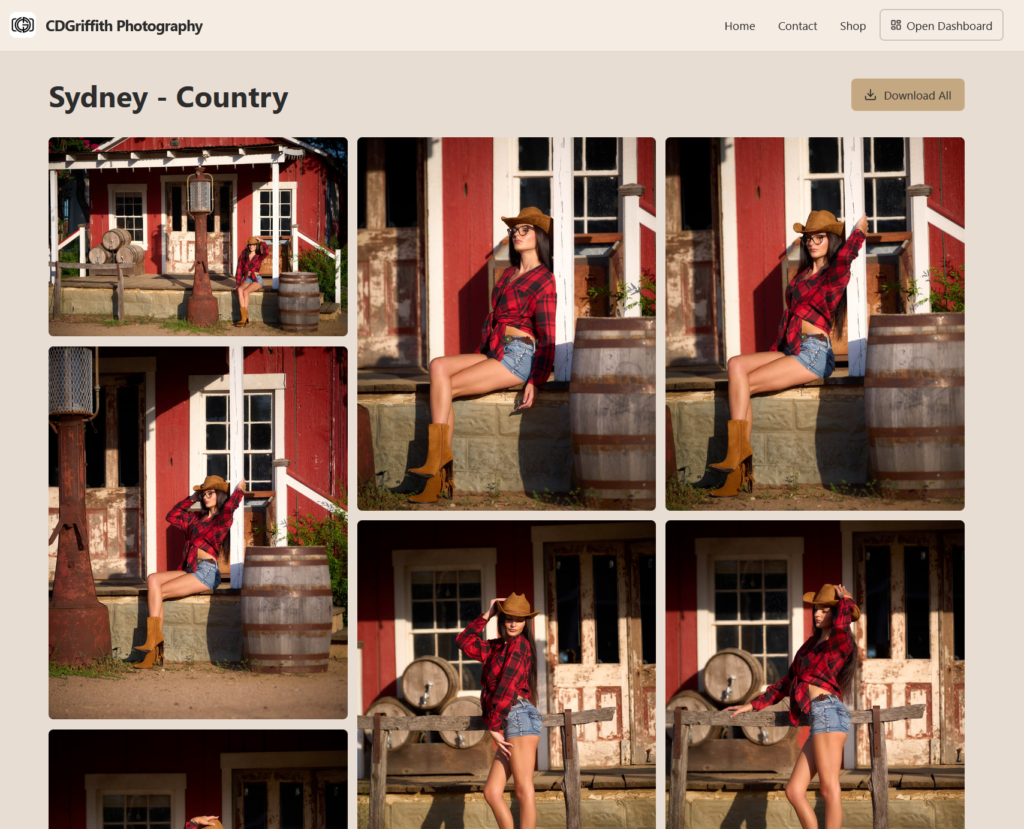
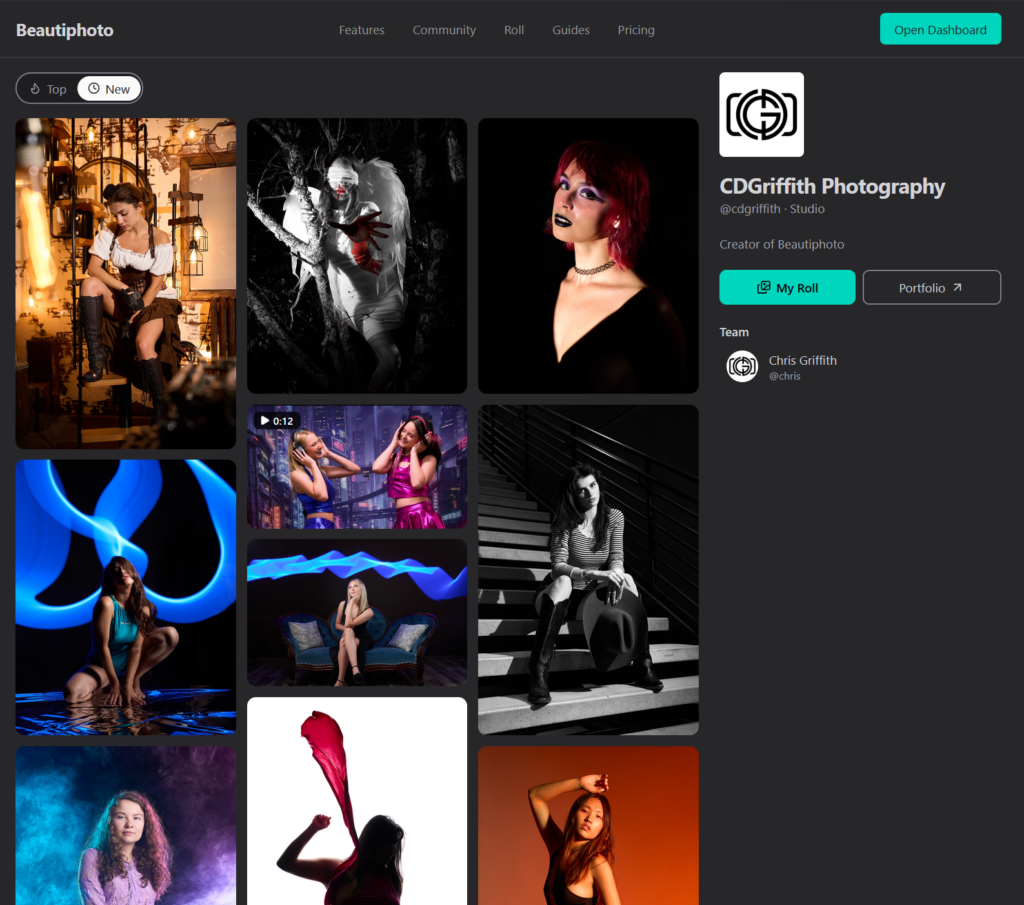
Roll
Single videos or photos, they can be shared on the public roll and link with models or other contributors on Beautiphoto.com.
Everything on your own Roll starts out private, but you can easily share it publicly, to only a few people with a Drop, or keep it to yourself forever!
Idea Boards
Collaborate with clients, models or other content creators on a vision.
Live updates so you can work on it at the same time and see what everyone is thinking.
Portfolio
Build your own website or just a link tree, bring your own domain if you got one!
It’s pretty build out already and lots more goodies to come! Now let’s get to some of the nerdy goodness. First, the storage architecture. There’s obviously a lot more going on behind the scenes, but we can’t give away all the secrets right away!
Media Architecture
So to start with, all media goes into a temporary upload bucket on Beautiphoto that you can only upload items too. From there photos are sent to lambda workers to process theme, and also to a GPU instance running the big boy (NVIDIA RTX PRO 6000 96GB VRAM) for automatic image tagging and organization.
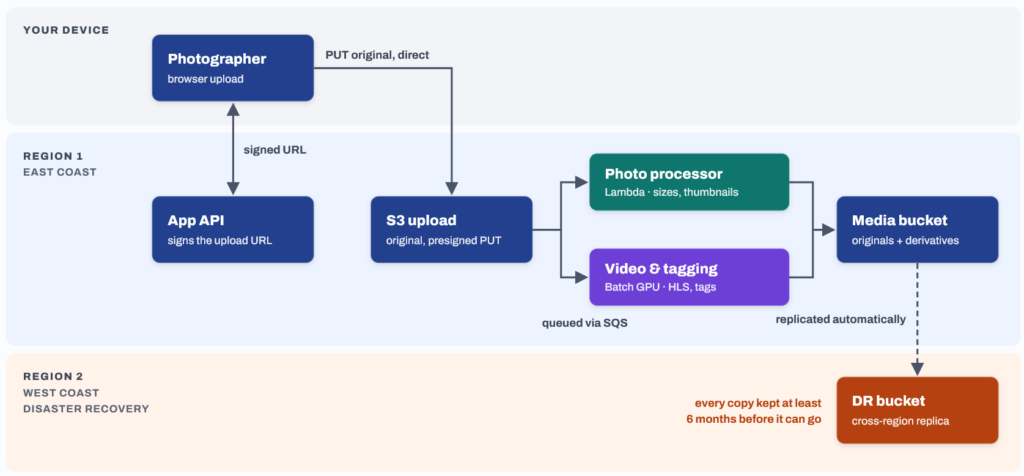
The most important thing of any website that someone will trust with their content is to ensure data integrity including backups. Everything uploaded from users is automatically backed up to a second region in glacial storage, purely for use in disaster recovery if it ever came to that.
Beautiphoto Overall Design
As you’d probably expect from me, the backend for Beautiphoto is all Python 3.14 FastAPI, and all the lambdas are in Python. The frontend is React, because, well, can’t avoid it any more at this point.
It’s almost all run on AWS: Fargate API workers in ECS, a dozen different lambdas, Batch GPU instances, S3 for storage, CloudFront CDN, as well as all the bits that hold those together like SQS queues and Secrets Manager. And some nail biting in Cost Management of course just watching those numbers go up and up.
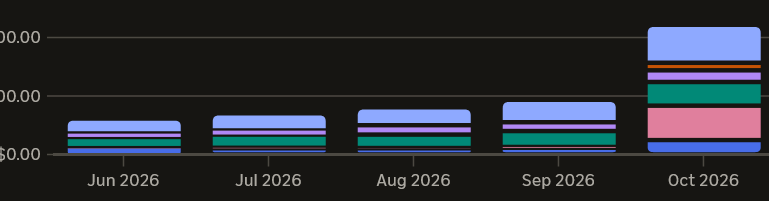
The few outside services are ones like ClouldFlare for WAF, Turnstile and frontend workers, as well as email and logging services.
Overall the design was tightly coupled for both the software stacks and hardware and services we run to make it as optimized for best user experience possible, while keeping costs reasonable for a new website with clear migration paths as we expand. Working hard to avoid growing pains early!
It would mean a lot if you’d be willing to check it out https://beautiphoto.com/ creating an account is free, and for more features there is a full month free trial.
Thanks for sticking around to the end, just for that here’s a 20% off coupon for your first year, and it’s good just until end of this year. CODECALAMITY202026